Step 1
Pay PKR 4,999
Copy the bank, Easypaisa, or JazzCash details below, send the course fee, and save a clear receipt screenshot.
Go to Payment details →
Deposit PKR 4,999, upload your payment screenshot, and get verified access to the complete digital products system.
Step 1
Copy the bank, Easypaisa, or JazzCash details below, send the course fee, and save a clear receipt screenshot.
Go to Payment details →Step 2
Enter your name, email, WhatsApp number, city, and payment method, then upload the screenshot.
Go to Enrollment form →Step 3
We verify your payment, approve the request, create your account, and WhatsApp your login details.
Go to Enrollment form →Payment details
Copy the account details below, send your fee, then keep your receipt screenshot ready for the form.
Pakistan
Pakistan
Pakistan
One enrollment form
No account or password needed. We verify your payment, create your account, and send the login on WhatsApp.
Student bonuses
Social proof
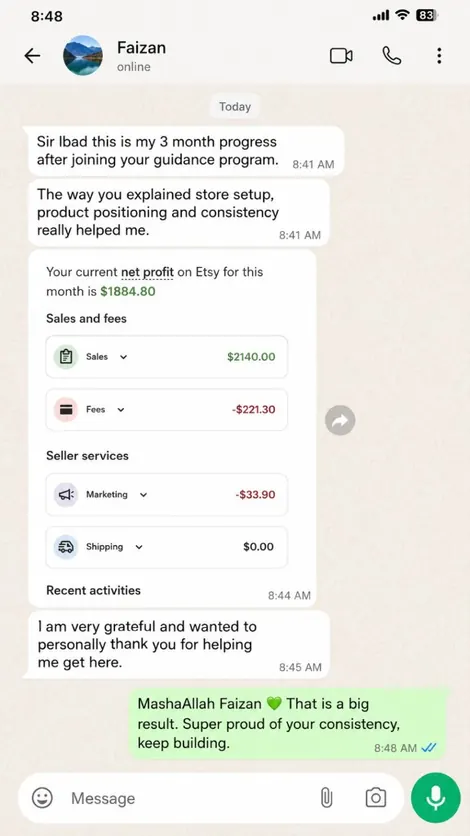
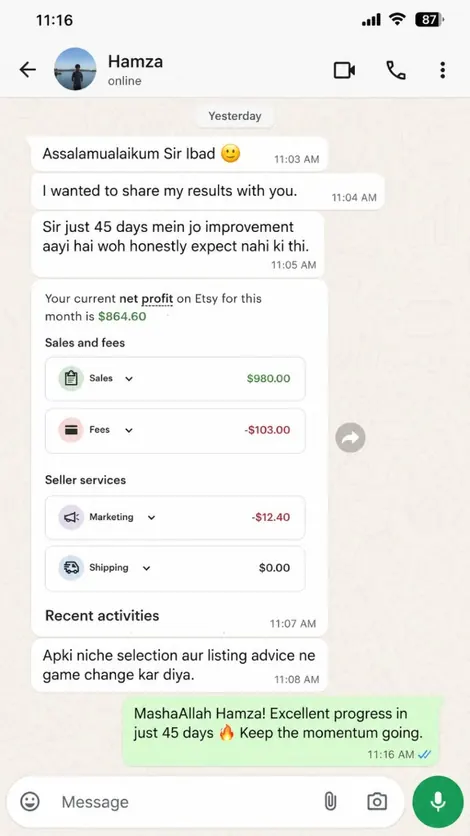
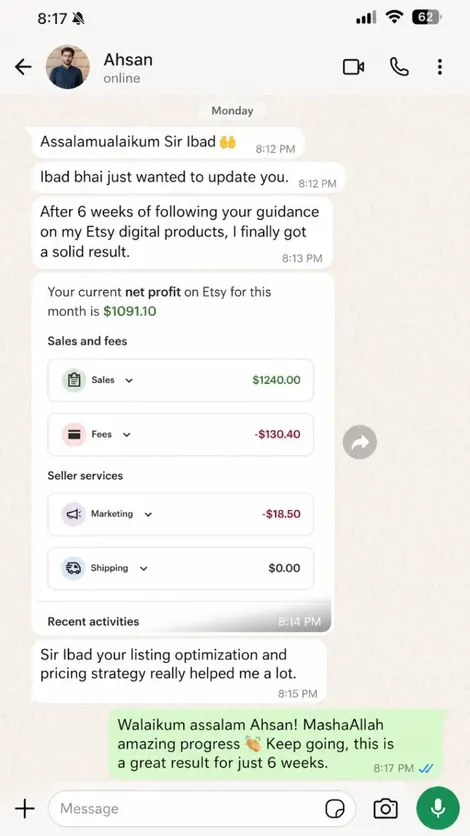
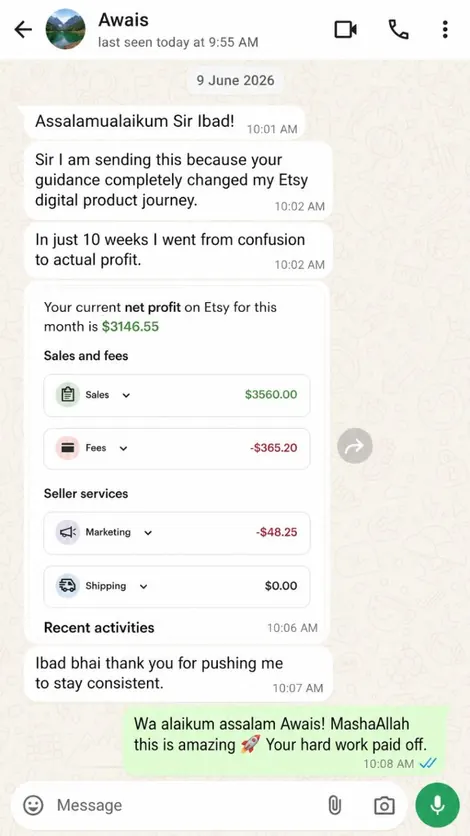
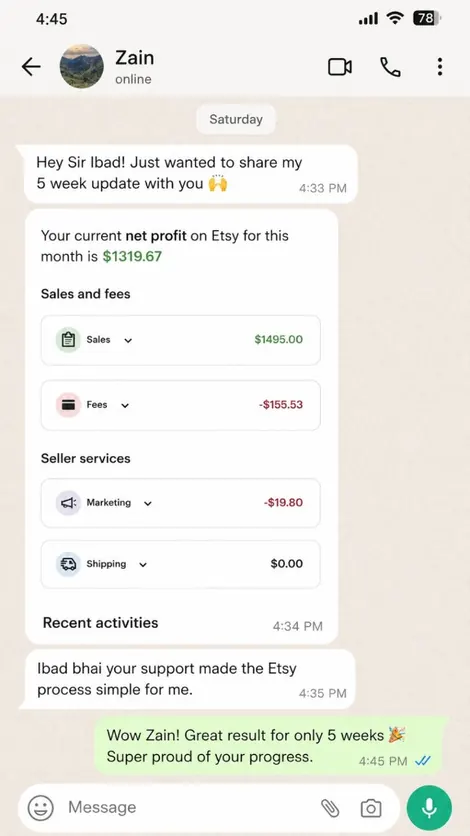
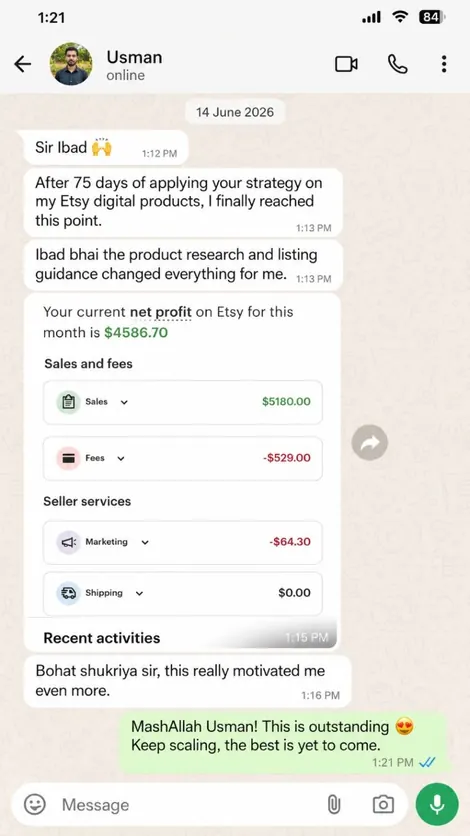
Deposit the course fee, submit your payment screenshot, and get access to the complete practical Etsy digital products training.